
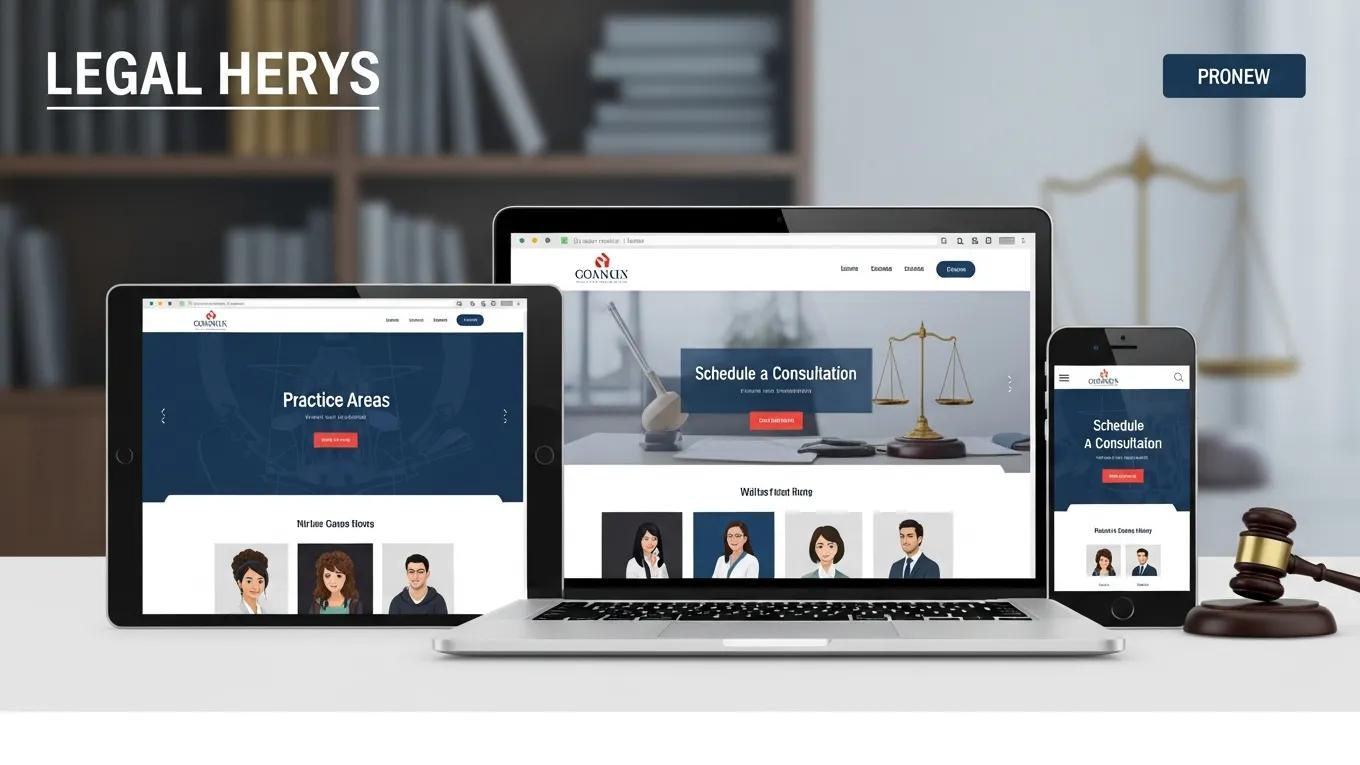
A visitor lands on your site after a stressful event. They need help, but the page loads slowly. The headline says little. The contact form asks for too much. Within seconds, the visitor leaves and calls another firm.
This is why law firm website design best practices matter. A polished look is not enough. Your site must answer questions, build trust, and make the next step easy. It should guide a worried visitor toward a consultation without adding friction.
Why Many Legal Websites Fail to Convert
Many law firm websites focus on appearance instead of the visitor’s needs. They use broad claims, weak calls to action, and hard-to-use menus. Visitors then feel unsure about what to do next.
Several problems cause this gap:
- Unclear Value: Visitors need to know why your firm fits their needs. A clear message should appear near the top of the page.
- Generic Content: Some firms rely on copy that sounds flat or automated. It does not show the firm’s voice or understanding.
- Poor Mobile Design: A hard-to-use mobile site can frustrate visitors before they learn what the firm offers.
- Slow Pages: Long load times can cause visitors to leave before the page appears.
- Weak Trust Signals: Visitors look for attorney experience, practice area knowledge, reviews, and simple contact options.
These issues are the first things to fix when building a website that earns trust and leads.

The Trust Hierarchy for Law Firm Websites
Trust drives every legal inquiry. Visitors ask if your firm is capable, honest, and easy to reach. A strong site answers those questions in a clear order.
- Attorney Credibility: Show professional bios, credentials, awards, and media mentions.
- Practice Area Expertise: Create focused pages that explain each legal service in plain language.
- Client Outcomes: Share case results and success stories when permitted and appropriate.
- Genuine Reviews: Use real feedback to add a human voice and social proof.
- Easy Contact Options: Offer clear ways to connect, such as phone, chat, forms, and text messaging.
Place these details where visitors can find them. Clear information helps people feel ready to reach out.
Why Authentic Content Matters
AI tools can support research and drafting. They should not replace the firm’s voice. Copy that sounds generic can make a serious legal issue feel like a sales pitch.
Visitors also need useful answers. Explain the problem, the process, and the next step. Show care without making promises you cannot keep. AI generated content can support this work when a person reviews and improves it.
Original, useful content also supports search visibility. Google advises publishers to create helpful content for people first. See its helpful content guidance for more detail.
Five Law Firm Website Design Best Practices That Improve Conversions
High-performing legal websites share five core features. Each one removes doubt or makes contact easier.
- State the Value Above the Fold: Tell visitors what you do, who you help, and why they should act. Add a short headline, a useful subheadline, and one clear call to action.
- Use an Authentic Attorney Video: A short introduction lets visitors see and hear the people behind the firm. It can make the first contact feel less stressful.
- Create Specific Practice Area Pages: Answer common questions. Explain the legal process. Use details that show real knowledge of the practice area.
- Show Social Proof: Feature real reviews, case results, awards, and media coverage in places where visitors will see them.
- Make Contact Simple: Add click-to-call buttons, chat, and short forms. Make each option work well on a phone.
When these elements work together, the site does more than display information. It helps the right visitor take action.
Mobile Design Is a Core Conversion Requirement
Many people search for legal help on a phone or tablet. A site that works only on a large screen can lose them early.
Mobile design means more than shrinking a desktop layout. Use simple menus, fast pages, readable text, and buttons that are easy to tap. Keep key information near the top. Make calls to action easy to spot.
Test the site on several screen sizes. Ask a person who does not know the site to find the phone number and contact form. Their experience can reveal problems your team misses.
Page Speed Affects Consultation Requests
A slow page gives visitors a reason to leave. It also delays access to the information they need.
Improve speed with image compression, caching, smaller code files, and reliable hosting. Check the site often, especially after adding videos or new tools. Whisenhunt Media incorporates these practices into website projects.
Why Attorney Introduction Videos Matter
Legal problems often create fear and uncertainty. An attorney video can make the firm feel more familiar before the first call.
Keep the video direct. Introduce the attorney, explain how the firm helps, and tell visitors what to do next. Use clear sound and captions. Place the video where it supports the page instead of slowing the visitor down.
Video should support strong content, not cover for weak content. The page still needs clear answers, trust signals, and a simple contact path.

Who Runs This Playbook
Whisenhunt Media helps law firms plan and improve websites with human-led design, useful content, and practical technology. The approach brings together SEO, analytics, CRM tools, mobile design, and video. AI can assist with research and drafts, while people protect the firm’s voice and accuracy.
The goal is simple: build a site that looks credible, answers real questions, and helps visitors contact the firm.
Conclusion
Your website may be the first contact a potential client has with your firm. If it looks polished but feels unclear, that visitor may never call.
Fix the basics first. Clarify the message. Improve mobile use. Speed up key pages. Add proof and a human welcome. Then make contact easy with thoughtful video integration.
Whisenhunt Media can help your firm create a clear, useful, and trustworthy website. Connect with Whisenhunt Media to plan a site around your strengths and goals.
Ready to Make Your Website Easier to Trust?
Start with one question: can a worried visitor find the right next step in ten seconds?
Free tool
See what AI says about your business
Kiki, our AI strategist, reads your real website in a live browser and hands you a personalized growth plan in about a minute. Free, no signup.
Analyze my business →About Ben Whisenhunt
Ben Whisenhunt is the Creative Director at Whisenhunt Media, specializing in cinematic video production and brand storytelling. With years of experience in the Las Vegas market, Ben helps businesses elevate their brand through compelling visual content.