

Video Production for Live Events in SaaS
A product demo is drawing a crowd, but the camera misses the key moment. The event ends, and the best conversations stay on the show floor.
Good planning turns live events into useful content, not just footage. A clear capture plan can support product education, sales follow-up, and brand campaigns. It also gives teams a way to connect the event experience with digital channels and reach the audience beyond the venue.
A clear message helps each audience find the right version of the content. For live events, that clarity should carry from the room into every edit.
Key takeaways
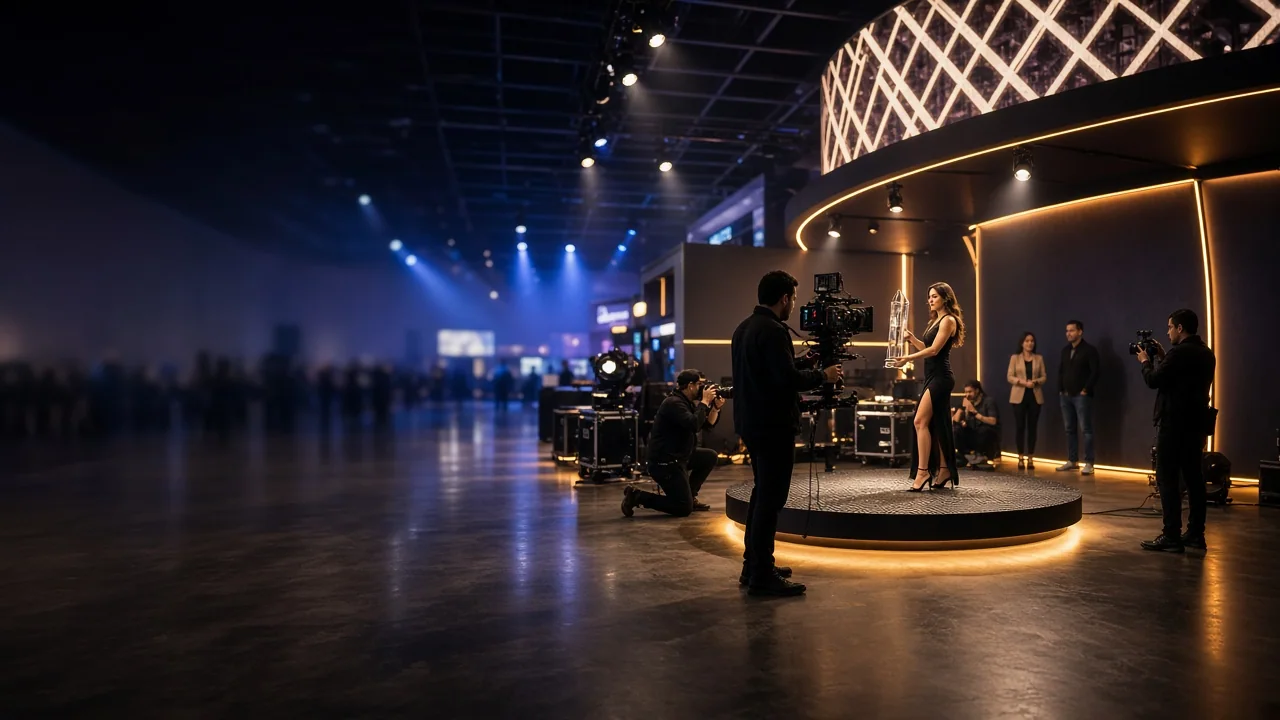
- Event video can turn a short activation into lasting marketing content.
- Plan interviews and demos around clear messages and later uses.
- Recorded educational sessions can support help and onboarding content.
- One activation can supply assets for search, social, and sales channels.
Turn experiential marketing into lasting content
Experiential marketing and video can work together for B2B SaaS brands. A single activation can create content for search, social, and sales channels. That material can remain useful after the event ends.
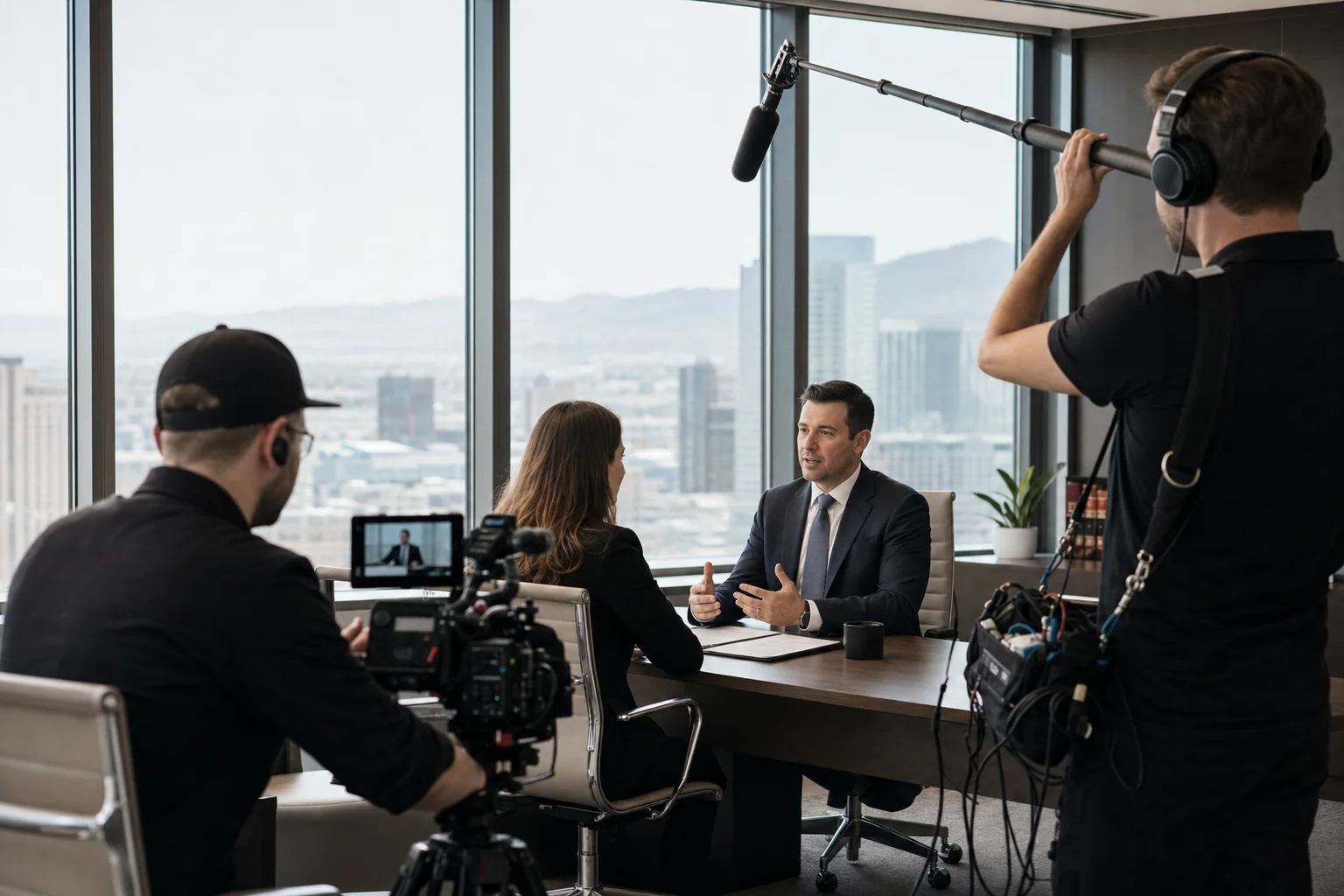
Trade shows, pop-ups, and user conferences take careful planning. Without a capture plan, valuable demonstrations and conversations may go unrecorded. The loss includes customer comments, product walkthroughs, and useful moments from the event.
Video production for live events helps teams plan for those moments. It connects event goals with content that can serve future campaigns. The result is a library of brand, social, search, and sales assets.
Extend the value of a SaaS trade show activation
Trade show activations create brief, focused moments of engagement. Video can preserve those moments and share them beyond the venue. A keynote can become a gated resource for interested prospects.
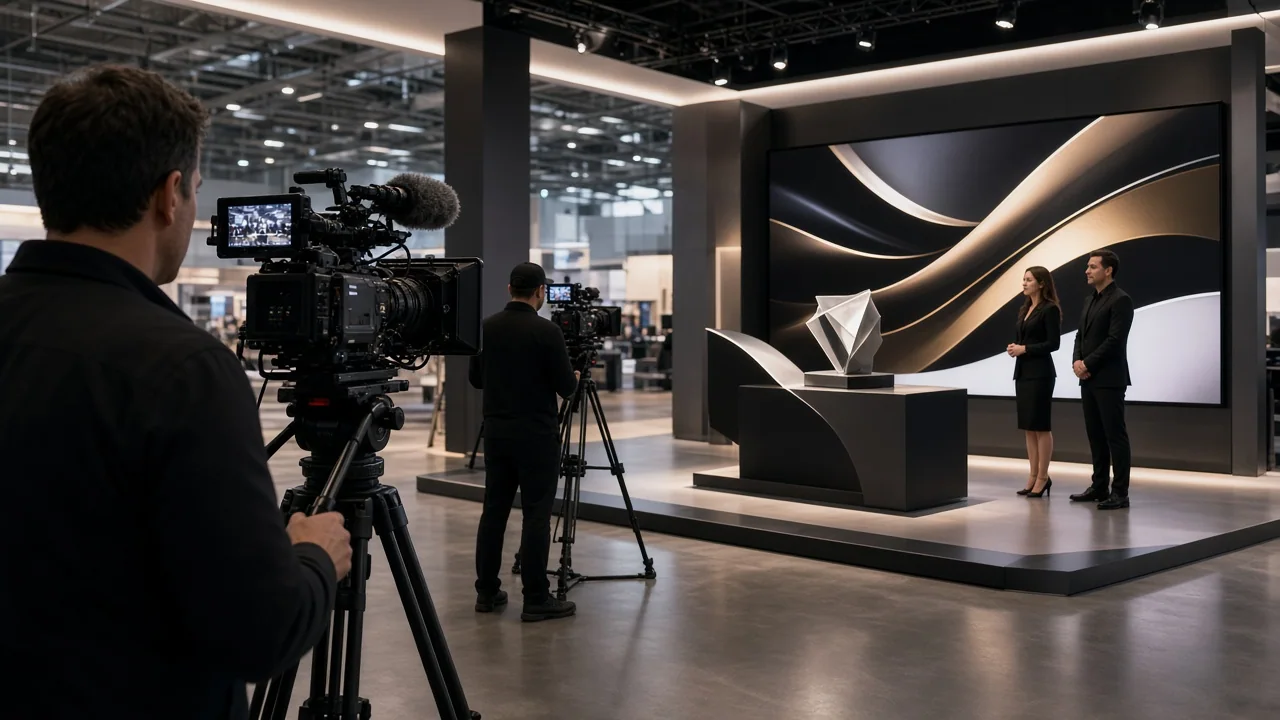
Customer interviews can support social campaigns and follow-up. Product demos can answer common buyer questions before a sales call. Live events offer useful material when teams plan how to capture it.
Build capture into the event plan to make each shoot more useful. One production day can support brand awareness, demand generation, and sales enablement.
Design experiential video around a clear purpose
Standard event coverage records what happened. An experiential video plan starts with what the content should do. Teams can plan camera positions, lighting, and interview times alongside booth design.
Whisenhunt Media offers Brand Strategy & Positioning services. Those services can help align event content with broader brand messages. Live events and digital distribution work best when teams plan them together.
Video can help SaaS companies explain complex products clearly. Experiential marketing can give that video real demonstrations and conversations. Each activation can support a broader content plan.
Choose formats that fit the event and its goals
SaaS experiential video works when it captures the event and serves a later need. Video production for live events can turn trade shows, pop-ups, and user conferences into useful assets. The right format depends on the event and how teams plan to use each video.
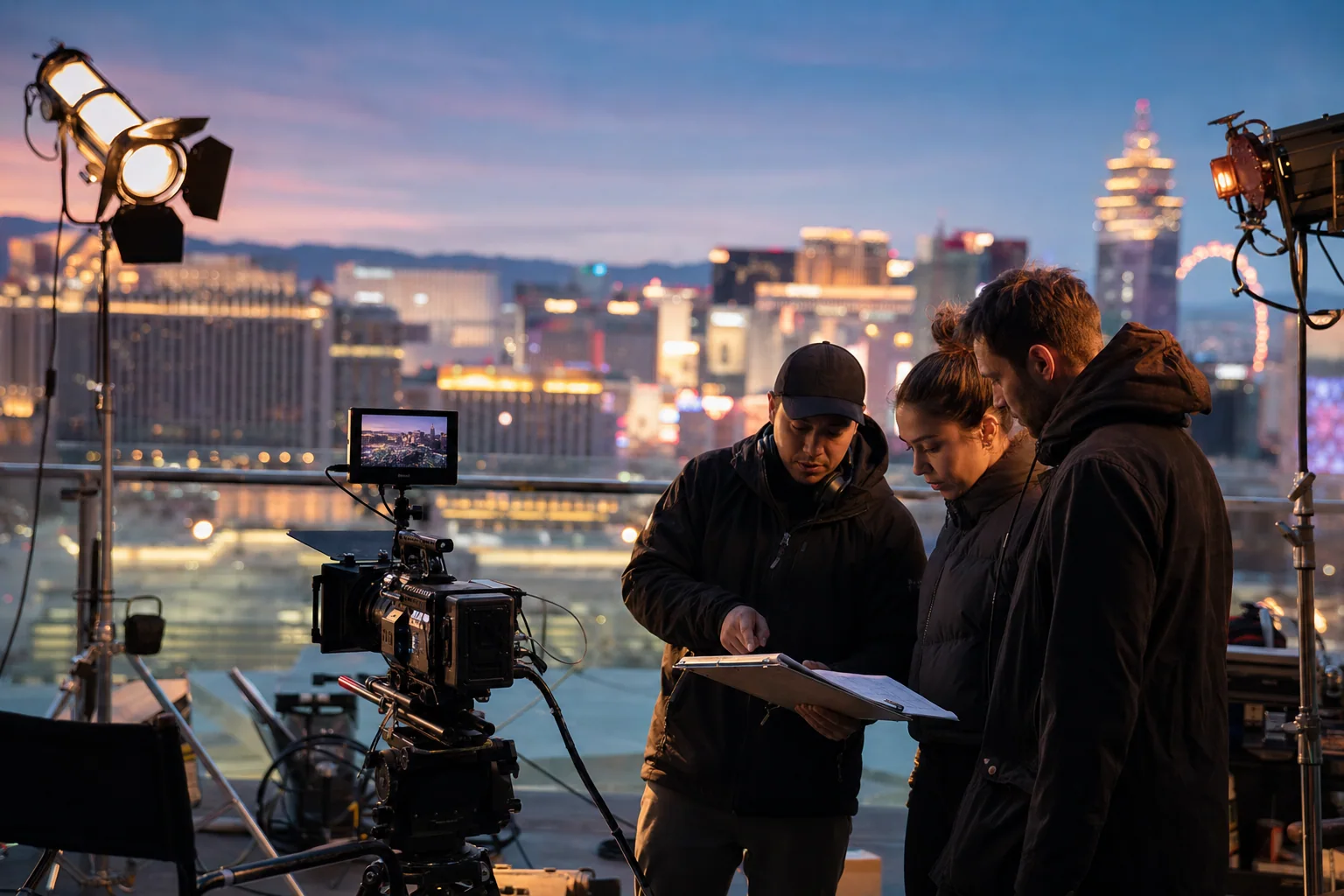
Capture useful reactions at the booth
A roaming camera can capture brief reactions after a product demo. Keep interviews focused on a clear question and a specific experience. These clips can support ads, landing pages, and sales follow-up.
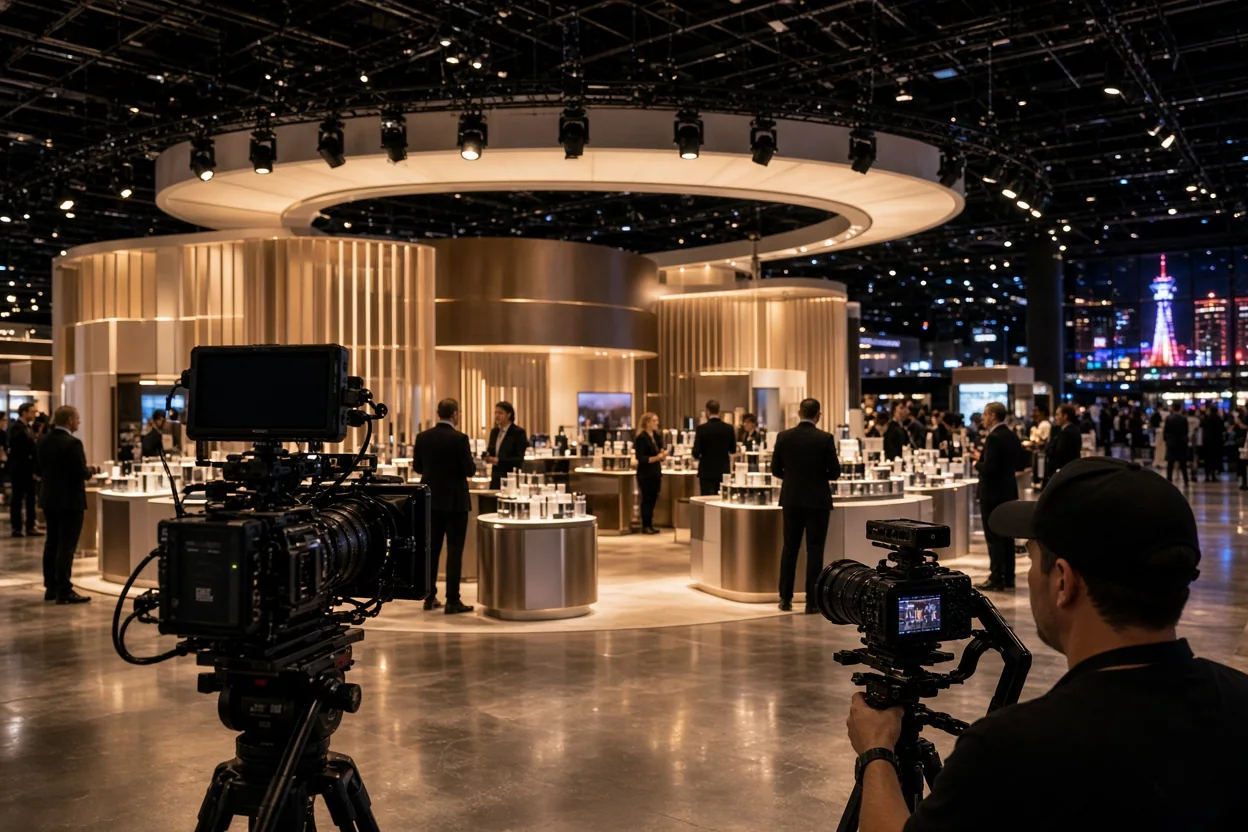
Plan permissions and interview timing before filming begins. This helps staff avoid disrupting booth conversations. It also gives editors clearer material to work with after the event.
Adapt product reveals for the room and online channels
A live product launch needs clear pacing and lighting for the room. The digital edit may need tighter cuts, captions, and a direct call to action. Broadcast video can carry the launch to remote viewers. Plan both versions before filming begins.
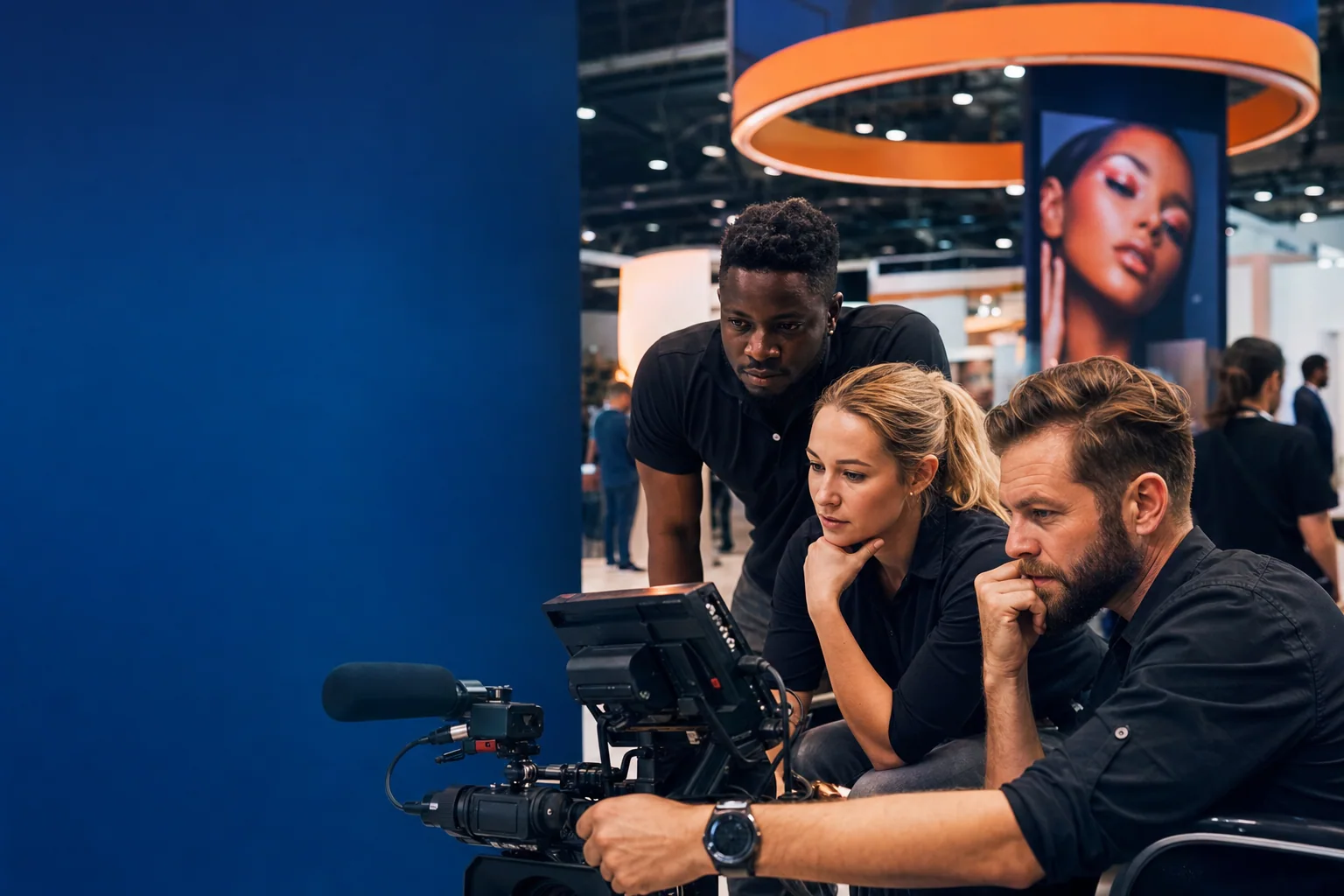
A live presentation can create excitement in the room. A shorter edit can explain the product to people watching later. Live event production should account for both uses.
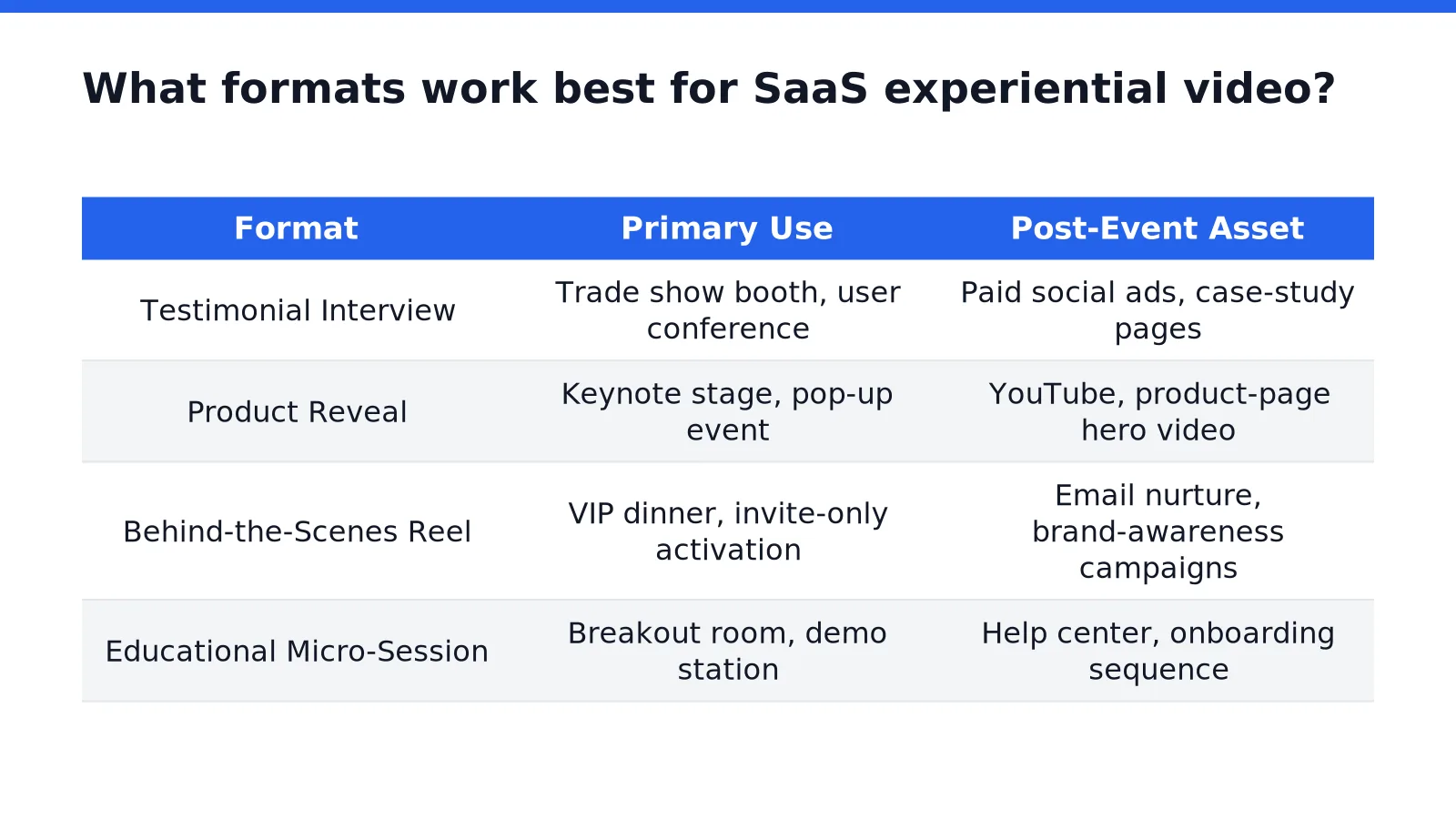
| Format | Primary use | Post-event asset |
|---|---|---|
| Testimonial interview | Trade show booth, user conference | Paid social ads, case-study pages |
| Product reveal | Keynote stage, pop-up event | YouTube, product-page hero video |
| Behind-the-scenes reel | VIP dinner, invite-only activation | Email nurture, brand-awareness campaigns |
| Educational micro-session | Breakout room, demo station | Help center, onboarding sequence |
Record educational sessions for later use
Short sessions at demo stations can help both attendees and future viewers. Visitors receive instruction during the event. The recording can later support help-center and onboarding content.
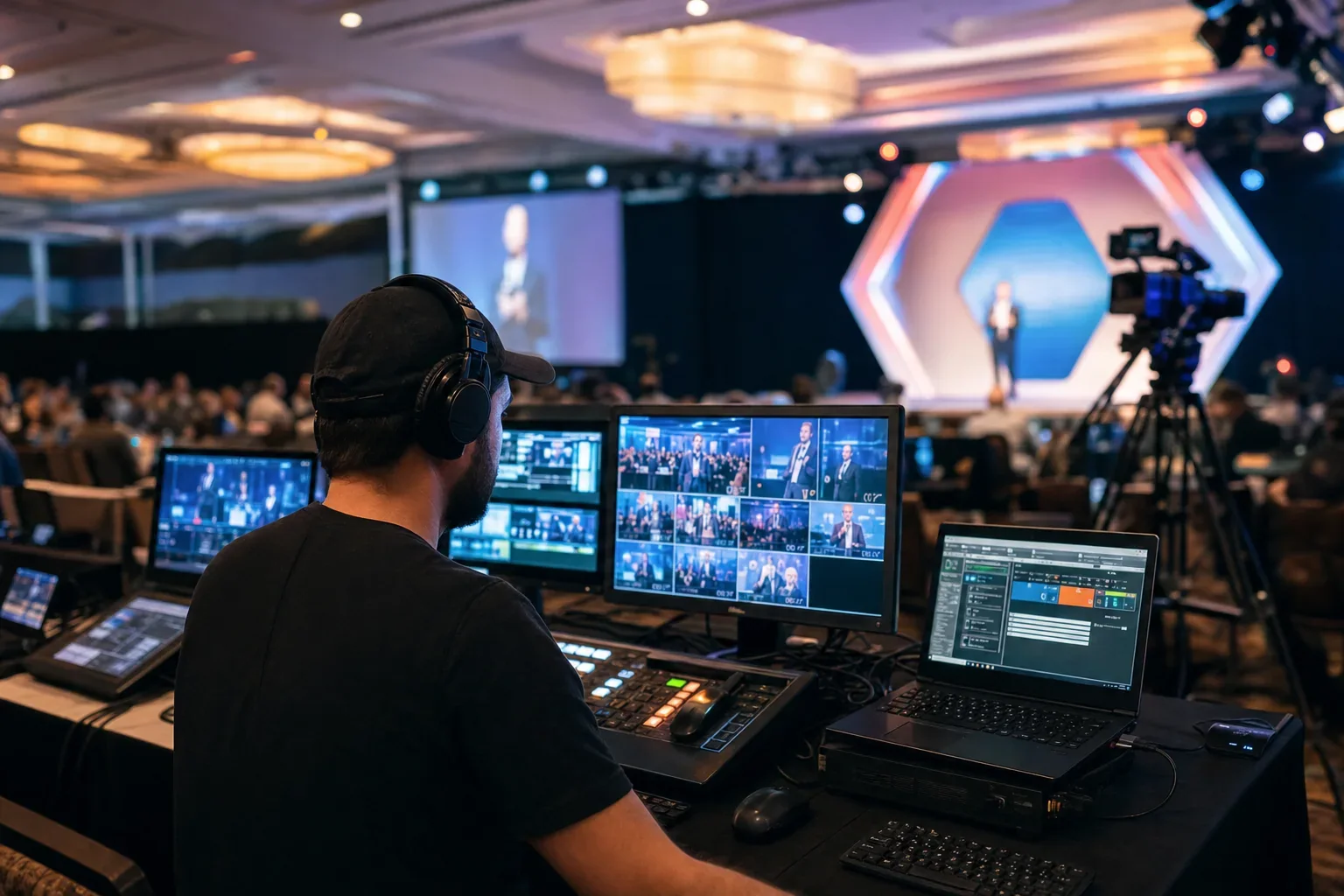
Plan for the facilitator to address people in the room and online. Clear audio and a steady camera help remote viewers follow along. This approach can support marketing, sales, and customer success.
Plan the capture before the event opens
Strong video starts before cameras arrive. A capture plan aligns the message, schedule, crew, and final deliverables. It also helps teams prepare for the pace of live events. Thoughtful live event production planning helps protect key moments.
Set goals and organize the shot list
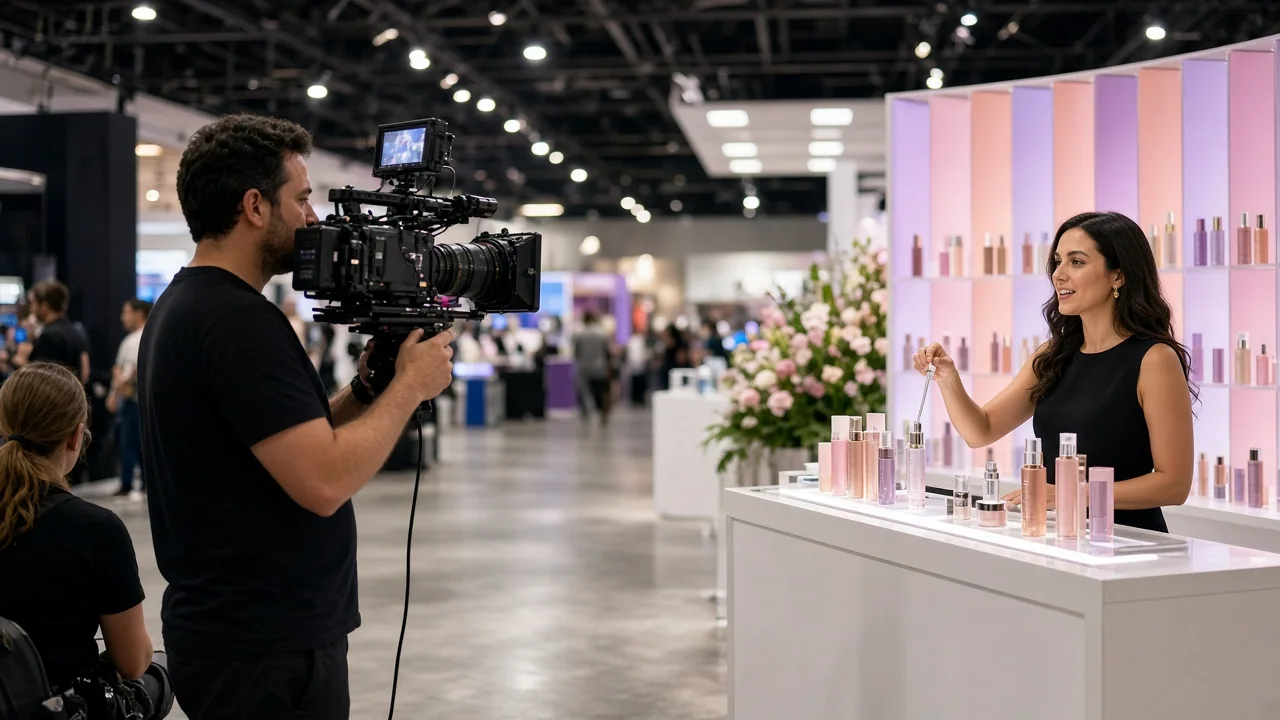
Choose the key messages and intended uses first. Then match each interview, demo, and presentation to a channel. A clear plan gives the crew direction without making the event feel staged.
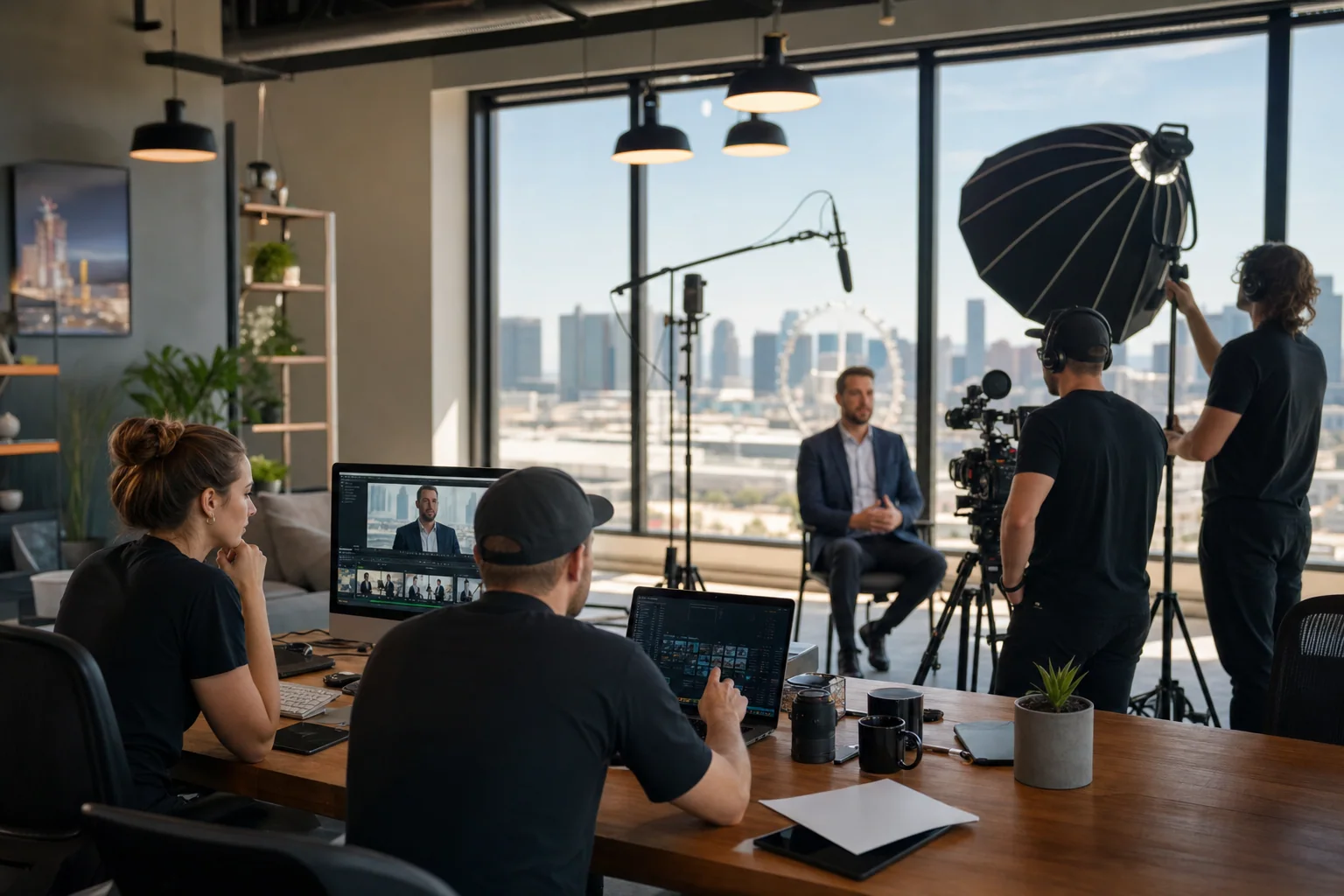
- List the event moments that support campaign goals.
- Choose who can speak to each product or customer story.
- Set interview times around the event schedule.
- Confirm where each finished asset will appear.
Coordinate the people, space, and schedule
Check room access, power, sound, and lighting before filming. For outdoor setups, confirm roof or overhead cover as well. Share the schedule with event staff and speakers. A simple plan reduces last-minute changes and missed recording windows.
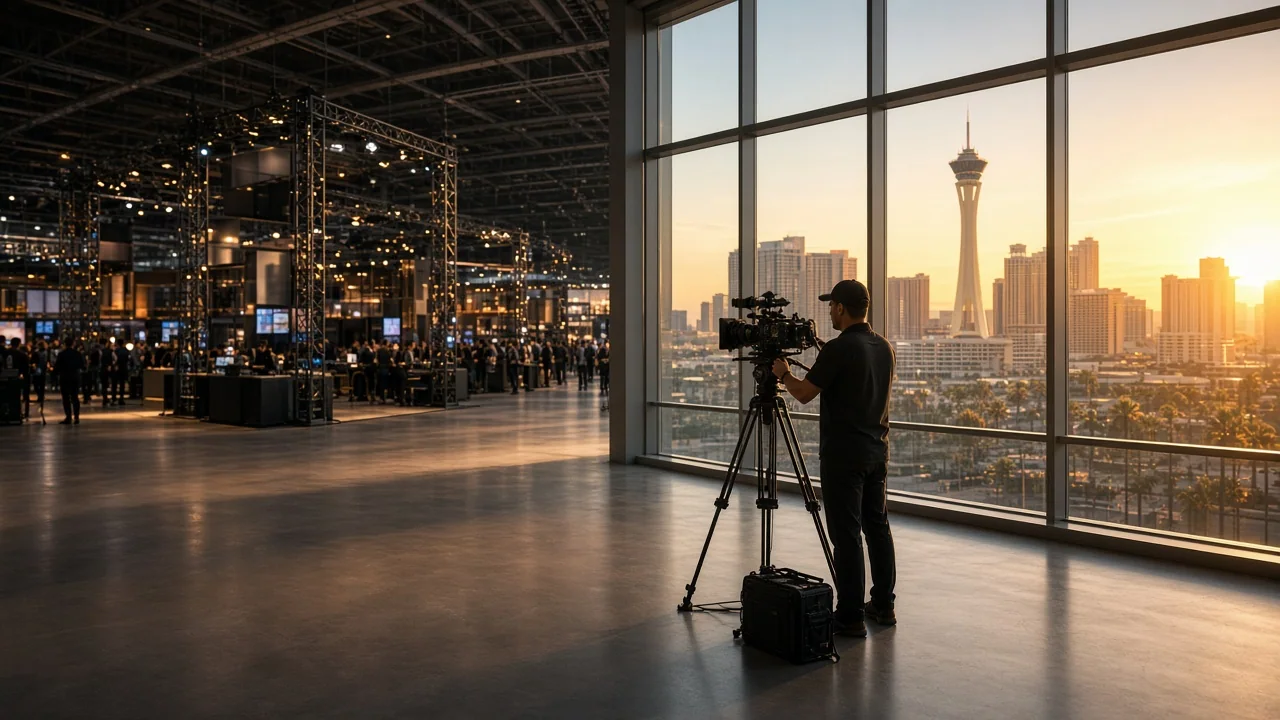
Live stream video equipment may include cameras, microphones, lighting, and switching tools. Broadcast video equipment may also include tools for switching and streaming. The right setup depends on the venue and the program. Test each part before doors open.
Use production systems that support dependable coverage
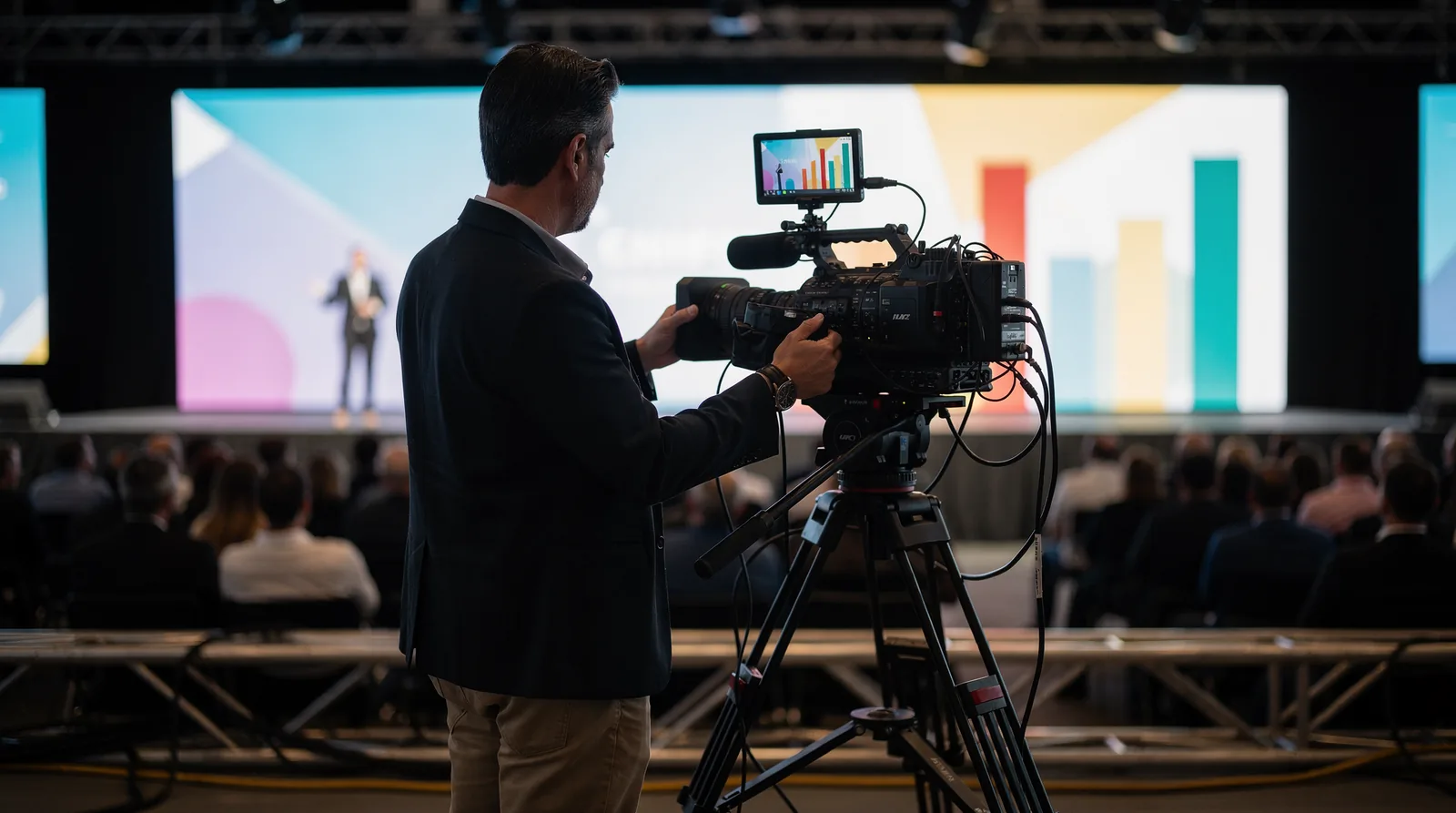
Production systems help crews manage cameras, sound, switching, and recording. Reliable video production systems also support consistent checks before a program goes live. For a live stream production, teams should test the full signal path before the event, a core step in live video production. A backup plan can help when a connection or device fails.
Choose a setup that suits the program
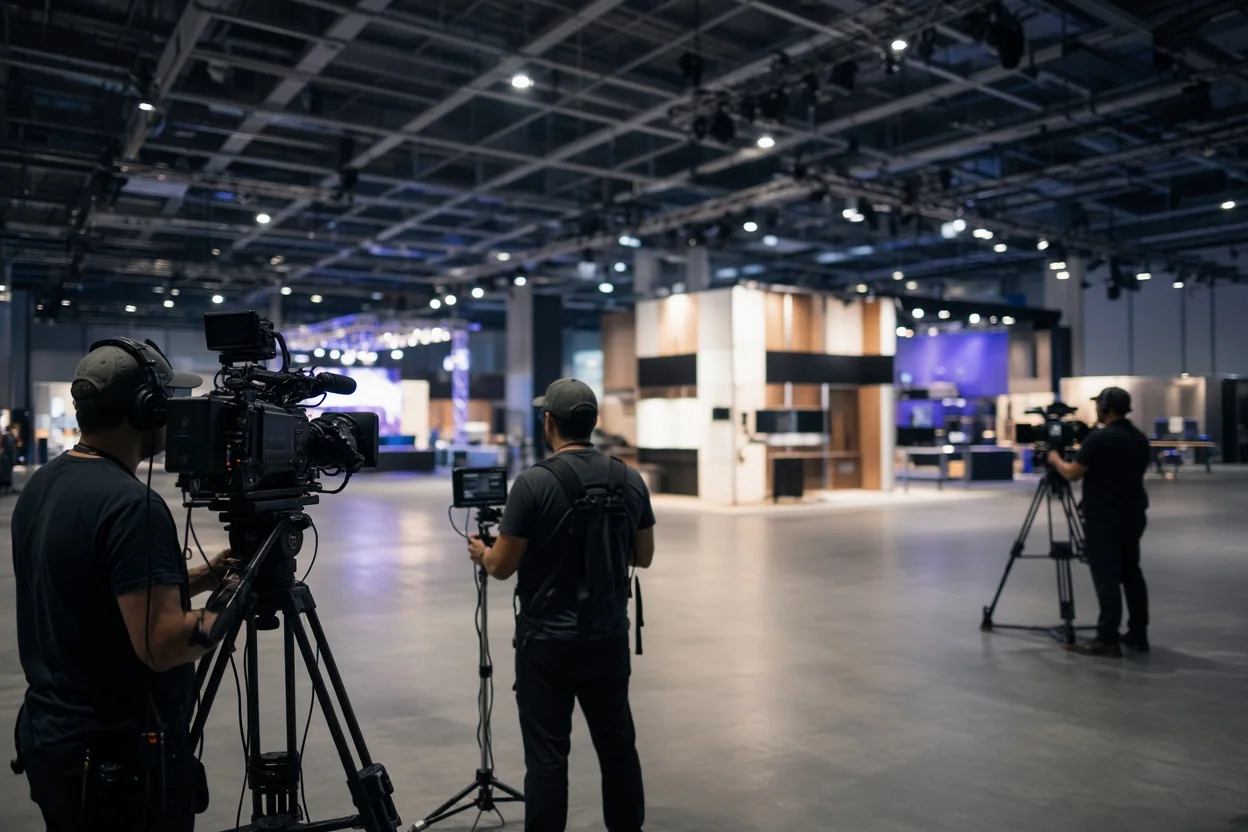
Some live events need a single camera and clear sound. Others call for several cameras, live switching, and a stream. Match the setup to the program and the intended viewers.
Broadcast video needs steady sound, clear shots, and a reliable signal. Teams should check those basics before adding more complex equipment. Good preparation keeps the program focused on its message.
A broadcast video plan should also account for the people watching remotely, from framing to audio clarity.
Build in testing and backup steps
Run a full technical check before the event begins. Test microphones, camera positions, recording, and any stream connection. Keep backup cables and batteries close at hand.
For larger live events, a clear run of show helps each operator know what comes next and supports reliable live event production. Production systems work best when every person understands the cue plan. The crew can then respond quickly to changes.
Connect event video to the pipeline
Event video can help teams continue conversations after a trade show. A landing page with video may support conversions, as this conversion-rate discussion explains. Results depend on the offer, page, and visitor.
Professional video production for live events can capture demos, interviews, and keynotes. Prospects who could not attend can still see the product story. Sales teams can also share useful clips during follow-up.
Match content to stages of the buying process
Product demonstrations show software solving a specific problem. Customer interviews can share a firsthand experience. Thought-leadership talks can explain a market issue or point of view.
Each format can serve a different stage of the buying process. Teams should choose the next step they want viewers to take. That makes editing and distribution more focused.
Measure engagement and useful actions
Whisenhunt Media offers Analytics & Performance Tracking services. Teams can use analytics to connect video engagement with business goals. Useful measures may include viewing time, demo requests, and meeting bookings.
A campaign can track whether prospects watched a demo before taking another step. Clear measurement helps teams judge whether content supports their goals.
Live events can generate content for follow-up campaigns and sales tools. A keynote shared with relevant prospects may extend the event’s reach. Teams should track useful actions, not views alone.
Choose a production partner for the full workflow
A suitable live event partner combines production skills with planning. The partner should help turn event coverage into useful marketing assets. Ask how the team manages capture, editing, and delivery.
Late footage or weak edits can slow follow-up. Content also needs a clear purpose and a route to its intended channel. Planning those steps early can prevent avoidable rework.
Review relevant production experience
Whisenhunt Media has created over 500 videos. Review work that matches the format and pace of your event. Look for clear sound, steady framing, and edits that support the message.
Live events leave little room for repeated takes. A partner should explain how the crew prepares for changing schedules and busy venues. A clear process can help protect key recording moments.
Look for connected planning and production
A connected workflow can reduce handoffs between separate vendors. Whisenhunt Media offers strategy, scripting, filming, post-production, and delivery under one production service.
Brand Strategy and Positioning services can help keep event footage aligned with core messages. The goal is content that fits the wider marketing plan, not isolated clips.
| Capability | Business impact |
|---|---|
| Strategy and scripting | Assets align with campaign goals before filming begins |
| On-site production | Consistent execution in fast-paced live environments |
| Post-production and delivery | Timely assets for demand-generation pipelines |
| Brand strategy and positioning | Footage supports core messaging and positioning |
Venue knowledge can also help with planning and filming logistics. Convention centers, ballrooms, and outdoor spaces each bring different needs. Check access, setup times, and sound conditions in advance.
Repurpose footage across channels
A single live event production can supply assets for brand, social, search, and sales. A distribution plan helps teams use footage across more than one channel. Start planning those uses before filming.
Without a plan, useful footage can sit unused. Decide which teams need each asset and when they need it. This keeps editing connected to actual campaign needs.
Shape event footage for different formats
Short product demos can answer buyer questions before sales calls. Customer interviews can support pages for prospects evaluating a platform. Behind-the-scenes clips can add context to social posts and email campaigns.
A structured content plan gives each edit a clear role. Link event strategy and execution to reusable content. Then connect those assets to paid and organic campaigns.
Adapt edits to each distribution channel
Each channel calls for its own length and pacing. LinkedIn can support short thought-leadership clips. YouTube can host searchable tutorials and full session recordings.
Paid social may need square or vertical edits with captions. Email can use a thumbnail that links to a video page. Plan these versions before editing to avoid repeated work.
Whisenhunt Media offers social media management and advertising services. A channel plan can help keep the message consistent across platforms. Accessibility also matters; the W3C media accessibility guidance explains ways to make audio and video content more accessible.
Understand the factors that shape project scope
Experiential video costs vary by project scope. Contact the provider for an estimate based on the activation. No single price applies to every event.
Scope may depend on crew, equipment, and editing needs. A booth recording differs from a multi-camera show with live switching. Planning those needs early can reduce rushed revisions.
Review the main production requirements
- Video production for live events scope: one keynote or coverage across a full conference
- Crew needs, including camera operators and audio support
- Editing needs, from raw files to highlight reels and social edits
- Travel and venue logistics for national activations
Whisenhunt Media also offers paid and organic campaign support. The company builds custom websites, landing pages, and video integrations. SEO and organic traffic services can help extend the use of captured content.
Plan distribution with production
Whisenhunt Media offers SEO and organic traffic growth services. A distribution plan helps event footage reach people after the activation. Decide where each asset belongs before production starts.
Review work before choosing a partner
Reviewing past work can help buyers assess style and quality. The Emmy award-winning video production portfolio includes live event coverage, commercials, and corporate video. Compare sound, editing, and visual clarity.
Measure performance against business goals
Experiential video measurement starts with clear business goals. Whisenhunt Media offers Analytics & Performance Tracking services. Teams can use them to connect creative work with campaign objectives.
Track measures that support decisions
Marketing leaders can track three useful categories:
- Engagement: view duration, completion rate, and replays
- Pipeline: demo requests, meetings, and qualified leads tied to video
- Revenue: influenced pipeline and closed deals connected to event content
Video can help share product information beyond the people at the booth. The same footage may support follow-up, sales tools, and social campaigns. Tracking helps teams see which uses matter most.
Connect views with next steps
Attribution can link video views with later actions. UTM parameters can track visits to video landing pages. CRM records can show which prospects watched event content.
Marketing automation tools can connect viewing behavior with lead scoring. Whisenhunt Media engagements connect creative work to business goals. Teams should measure useful outcomes, not vanity views.
For teams refining their approach, this content marketing ROI guide outlines ways to calculate and improve performance. The right measures depend on the campaign and its goals.
Work with Whisenhunt Media on a content-ready activation
Whisenhunt Media is a digital marketing and video production agency in Las Vegas. The agency combines video production, experiential event work, and integrated marketing.
Whisenhunt Media was established in 2017 and has created over 500 videos. Its work spans production formats and venues. The company’s approach connects event planning with content and campaign needs.
Video production for live events at Whisenhunt Media starts with strategy. Reagan Pfifer leads Experiential Marketing & Corporate Events. The work includes pop-ups, launches, trade-show activations, and corporate events.
Plan activations to create reusable content
A content-ready activation includes planning for camera angles, lighting, and interviews. That preparation can produce product demos, customer testimonials, and keynote clips. Teams can then use those assets without arranging another shoot.
Use human-directed AI with creative oversight
Human-directed AI can support editing, asset organization, and versioning. People retain creative judgment and review the final work. This approach supports speed while keeping brand messages under human control.
Live event production works best when content has a purpose beyond documentation. Treat each activation as a chance to create useful material for the wider marketing plan.
Free tool
See what AI says about your business
Kiki, our AI strategist, reads your real website in a live browser and hands you a personalized growth plan in about a minute. Free, no signup.
Analyze my business →Or start with how you sound: get your free Brand Voice Guide.
FAQ
What formats work best for SaaS experiential video?
Highlight reels, live product demos, and testimonial interviews can all serve useful roles. Choose formats based on the event and the planned channel. Each edit should answer a clear viewer need.
What does live stream production involve?
Live stream production can involve cameras, audio, lighting, switching, and a stable connection. The equipment and crew depend on the program. Test the full setup before the event begins.
A live stream production company may help when a program needs multi-camera coverage or technical support. Compare relevant work and ask how the crew prepares for the event. Make sure the proposed plan fits the venue and program.
Live stream video production needs tested cameras, sound, and a stable connection. Teams should also set a run of show and confirm backup options. This preparation helps reduce avoidable interruptions.
How does broadcast video differ from event recording?
Broadcast video is planned for viewers watching remotely. It may need switching, graphics, and a steady stream. Event recording captures material for editing and later use.
Capture the moment, then give it a life beyond the event.
About Ben Whisenhunt
Ben Whisenhunt is the Creative Director at Whisenhunt Media, specializing in cinematic video production and brand storytelling. With years of experience in the Las Vegas market, Ben helps businesses elevate their brand through compelling visual content.