
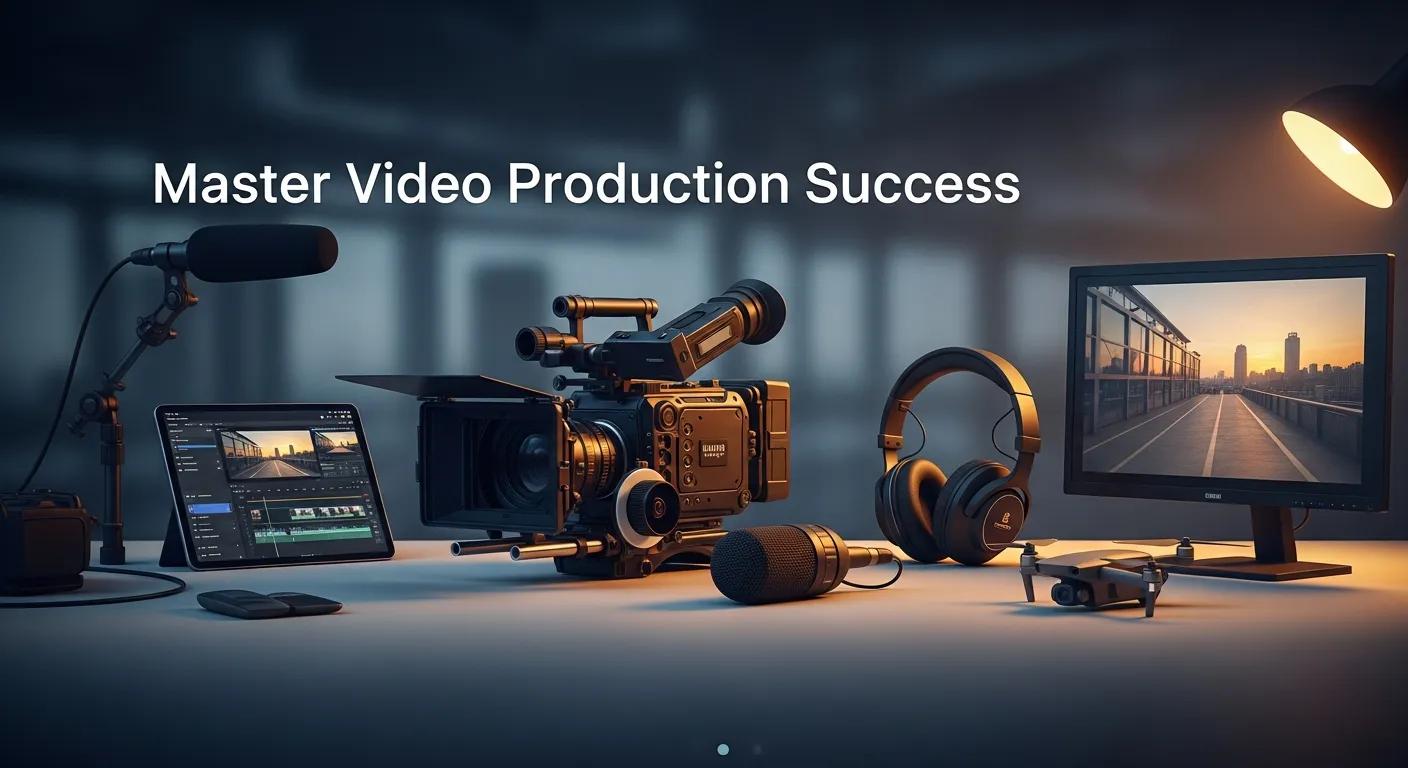
A polished video can still fail when viewers do not know what to do next. Corporate video production works best when each choice supports a clear goal. This guide covers the process from planning to delivery. It also explains how strategy, measurement, and AI can improve the work. Many organizations make attractive videos that produce little action. A clear plan helps your team create useful content that reaches the right audience.
What Are the Essential Corporate Video Production Process Steps?
The process has three main stages:
Pre-Production: Plan the concept, script, schedule, and logistics.
Production: Capture interviews, performances, and other planned footage.
Post-Production: Edit the footage, shape the sound, adjust color, and prepare the final files.
Each stage affects the final result. Early decisions help the team stay focused, save time, and reach the intended audience.
How Does Pre-Production Set the Foundation for Success?
Pre-production sets the direction for the project. Start by defining the goal and the success measures. Then study the audience, review competitor activity, and choose the best channels. A strong plan limits scope changes. It also keeps feedback focused and ties the final video to a business need.
Good planning makes the edit more predictable. It also helps the team protect the budget and delivery date.
Post-Production Planning for Smooth Video Workflows
Plan for the edit from the first day. This step prevents delays, missing files, and rushed decisions. It also supports on-time delivery.
Post-Production, 2021
What Are the Key Activities During Production?
The production stage includes these core tasks:
Follow on-set rules and technical standards.
Film on location or in a studio with a professional crew.
Use multiple cameras when the story needs wider coverage.
Set professional lights and record clean audio.
Capture useful B-roll and supporting shots.
Direct each performance until the team has usable takes.
Production deliverables often include raw media, production notes, and shot logs. Most shoots take one to five days, based on the project scope and complexity.
Developing Effective Business Video Content Strategies
Use the following steps to build a useful business video strategy:
High-Quality Production: Use production values that build trust. Drone footage and stabilized gimbal shots can help when they serve the story.
Content Planning: Build a calendar around audience needs and business goals. Use a clear message and a strong story.
Platform Tailoring: Adjust the format and edit for each channel. Short videos suit social media. Longer versions may suit websites or presentations.
Distribution Strategy: Combine organic, paid, and owned channels. These may include social media, email, and SEO.
Engagement Techniques: Use live Q&A sessions, polls, and interactive formats to invite response.
Performance Measurement: Track views, engagement, and conversion rates. Use the results to improve the next video.
This framework makes a video program easier to measure and repeat. It also keeps the work tied to organizational growth objectives.
Which Video Types Best Support Business Goals?
Choose the format that matches the business goal. See our blog for more related guidance.
Explainer Videos: Explain products or services in a simple way.
Testimonial Videos: Build trust through customer stories.
Brand Story Videos: Share values and create an emotional connection.
Training Videos: Support onboarding and internal learning.
Event Videos: Capture moments that show culture and key milestones.
Match the format to the stage of the marketing funnel and the audience's needs.
Integrating Video into Your Marketing Funnel
Use this process to connect video with the marketing funnel:
Define Objectives: State what each video should achieve and who should watch it.
Develop Engaging Content: Use a clear story and a specific value proposition.
Distribute Strategically: Place each video in the right channel and funnel stage.
Use Analytics: Connect video data to your analytics tools. Check its effect on behavior and conversions.
Run A/B Tests: Test length, opening hooks, and calls to action.
Apply Attribution Models: Study the video's role across the buyer journey.
When teams map video to the marketing funnel, it can support steady engagement and conversions.
Corporate Video Best Practices for Establishing Brand Authority
Thorough Pre-Production Planning: Use scripts and storyboards to align the message with the visuals.
High Production Quality: Use suitable gear and an experienced crew to protect the brand's image.
Clear Objectives: Define success before production begins.
Understanding the Target Audience: Shape the tone and content for the intended viewers.
Involve Stakeholders: Ask key people for input early. This can prevent costly rework.
Feedback Loops: Set clear review rounds for the cut.
Craft Compelling Narratives: Center stories on human experiences to build empathy and recall.
Leverage Video Analytics: Use viewer data to improve future creative and distribution choices.
These practices help corporate videos build trust and move viewers toward action.
How to Craft Compelling Corporate Video Storytelling?
Strong corporate video storytelling uses character, tension, and resolution. Show real people and clear outcomes. An employee's career path can show company values in action. A customer's success story can show the value of a service. Keep the story tied to a clear goal. Use audience insight and careful production to support that goal.
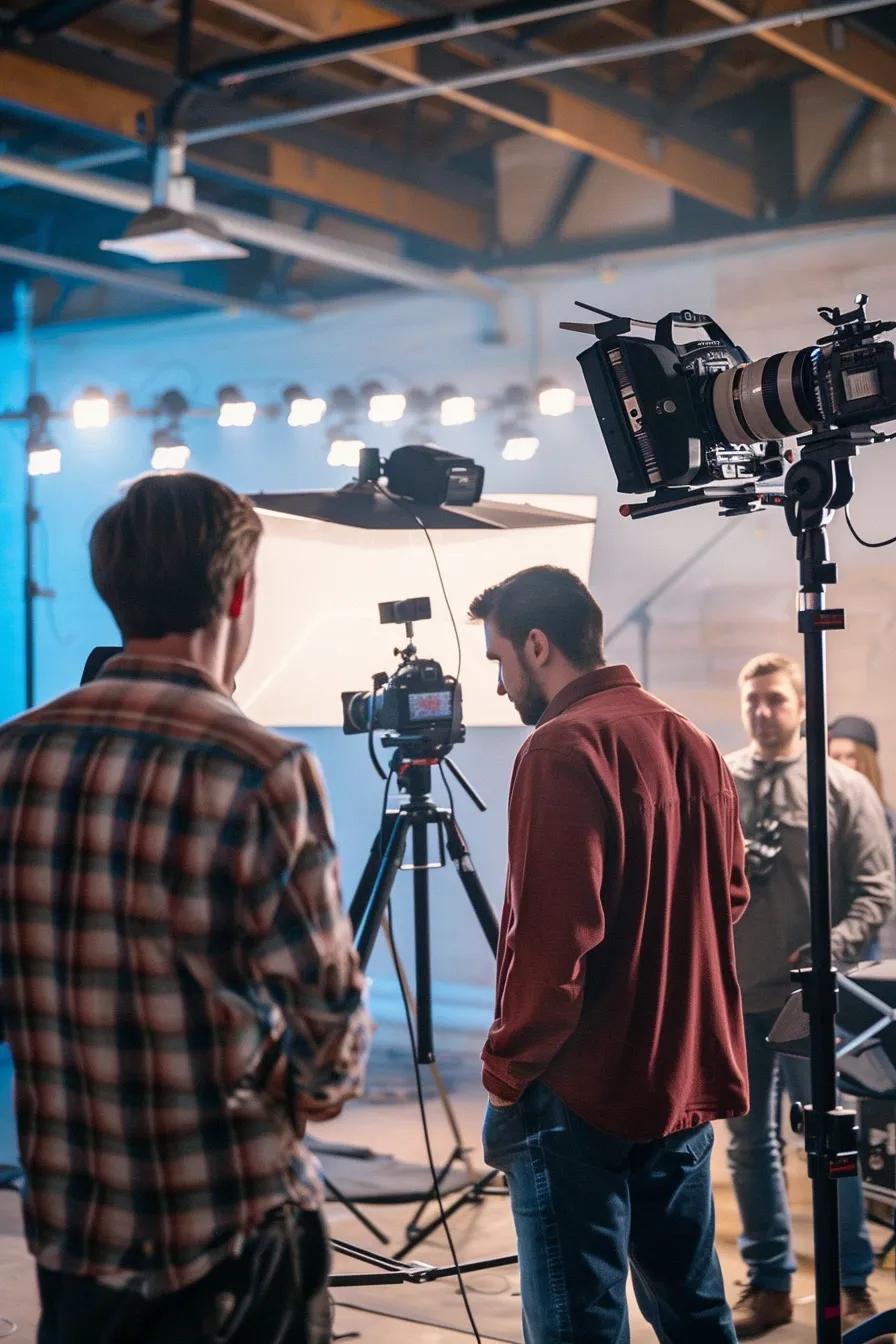
What Equipment and Techniques Ensure Professional Quality?
Good tools and simple discipline support professional quality:
Technical Capabilities: Use cameras with at least 4K resolution. Use 6K or 8K when the project needs extra detail. Use a full lighting kit for mood and consistency. Record with lavalier microphones, booms, and field recorders. Use clean audio mixes. Aerial work requires FAA Part 107 certified pilots with insured gear. Live streams need backup encoders and internet. Motion graphics may require After Effects skills.
Production Techniques: Use a professional studio or location crew. Multiple cameras can provide flexible coverage. Plan B-roll before the shoot. A director can guide performances and secure usable takes.
Post-Production: Use skilled editing, sound design, and visual finishing. Apply color correction and grading to set the tone. Use planned review rounds to gather feedback.
Backup Systems: Keep duplicate files and organized assets. These steps help prevent data loss and downtime.
Together, these tools and methods support broadcast-quality output. They also make it easier to adapt content for different channels.
How to Develop Engaging Explainer Videos That Convert?
Use these steps to create an explainer video that supports action:
Concept Development: Find the clearest way to explain the main idea.
Scriptwriting and Storyboarding: Finish the script and visual plan before the shoot.
Filming: Capture clean footage that supports the story.
Post-Production: Edit with a steady pace. Add sound design and final polish.
Collaboration: Keep reviews focused. Make sure the final video reflects the brand and audience.
Clear visuals and an emotional connection can turn understanding into action.
What Are the Steps for Explainer Video Creation?
Concept Development: Create and refine the main idea.
Scriptwriting: Write a short story that focuses on benefits.
Storyboarding: Plan scenes and transitions before filming.
Planning the Shoot: Coordinate talent, locations, and technical needs.
Filming: Capture the needed shots in an efficient way.
Post-Production: Edit, mix audio, add graphics, and prepare the final files.
Regular collaboration keeps the project on message and on schedule.
How to Structure Explainer Videos for Maximum Impact?
Build the explainer around these elements:
Clear Objective: State the video's purpose and the one action viewers should take.
Concise Script: Use simple language and present the benefits early.
Engaging Visuals: Choose visuals that improve understanding.
Personal Connection: Use relatable examples to aid recall.
Call to Action: End with a direct next step.
Feedback and Collaboration: Include stakeholder reviews to check tone and accuracy.
Make the explainer highly useful and actionable.
What Are Professional Video Editing Techniques to Enhance Quality?
Strong editing turns raw footage into a clear story. See this guide to professional video editing for more detail.
Expert Pacing and Structure: Shape the footage into a clear narrative.
Color Grading: Use color to set mood and maintain visual unity.
Motion Graphics: Add animation when it supports the message.
Sound Design: Balance dialogue, effects, and music.
Visual Effects: Use VFX with care to add production value.
Format Optimization: Create versions for each platform and aspect ratio.
Collaborative Revision Process: Use clear, version-controlled feedback.
Asset Review & Organization: Catalog footage for current and future use.
Refinement & Polish: Improve timing, graphics, and audio balance.
Color & Sound Finishing: Complete the final audio and color passes.
These steps create a polished video that supports the project goal.

Which Editing Tools and Software Are Most Effective?
Several tools support professional editing:
Tool | Feature | Application |
|---|---|---|
Adobe Premiere Pro | Multi-format support | Professional video editing |
Final Cut Pro | Magnetic timeline | Streamlined editing process |
DaVinci Resolve | Advanced color grading | High-quality visual output |
The Impact of Color Grading and Sound Design on Video Enhancement
Color grading sets mood and keeps shots consistent. Sound design shapes emotion and keeps speech clear. Together, they turn a rough edit into a finished production that holds attention.
AI's Transformative Impact on Corporate Video Production
AI is changing production workflows. It can automate repeat tasks, create transcripts, and support early edits. It can also produce versions for different platforms. This gives creative teams more time for planning and storytelling. Human review remains essential for accuracy, tone, and brand control.
AI Technologies for Enhanced Video Editing and Personalization
AI tools can create cut variations and suggest copy or visual changes. They can also generate different aspect ratios and pacing options from one master file. Teams can then test these versions across channels and improve the creative more quickly.
Leveraging AI in Video Production for Las Vegas Businesses
Las Vegas businesses can use AI for early edits, transcripts, captions, and audience analysis. These tools help teams test more ideas and create targeted content. Teams must still protect quality and keep the brand voice consistent.
For accessible video practices, review the W3C guidance on audio and video accessibility.
Strategic Imperatives for Video Production
Effective video work begins with a clear goal. Plan the message, audience, channel, and review process before filming. Use the right tools during production and post-production. Measure the result and improve the next version. AI can speed up routine work, but sound judgment should guide every final choice.
Clear intent makes every frame earn its place.
Free tool
See what AI says about your business
Kiki, our AI strategist, reads your real website in a live browser and hands you a personalized growth plan in about a minute. Free, no signup.
Analyze my business →About Ben Whisenhunt
Ben Whisenhunt is the Creative Director at Whisenhunt Media, specializing in cinematic video production and brand storytelling. With years of experience in the Las Vegas market, Ben helps businesses elevate their brand through compelling visual content.